14+ Free Chrome Extensions — Browse All →
Free Chrome Extension

Zoho People Time Tracker: See Your Remaining Work Hours

A free Zoho People time tracker for Chrome. A clean countdown overlay on Zoho People showing how many hours and minutes remain in your workday — always visible, always current.

4.9 rating 350+ users
FreeMV3Zoho People
350+ Users
4.9 Rating
Free Forever
MV3 Compliant
Zero Data Collected
Why you need it

Why track your time in Zoho People

No more mental math

Stop calculating “8 hours minus what I've worked so far”. The extension shows the remaining time directly — updated every minute.

Always visible on your Zoho page

The countdown sits as an overlay on your Zoho People dashboard — no separate tab, no widget to open.

Respects your work schedule

Configured once with your start time and shift length. Accurate to your actual schedule.

See it in action

Live Demo

Zoho People Time Tracker — Live Demo
Zoho People Time Tracker
2:34:17
remaining in your shift today
9:00 AM
Shift Started
5:30 PM
End of Shift
Progress 70% complete
Screenshots

What Zoho People Time Tracker looks like
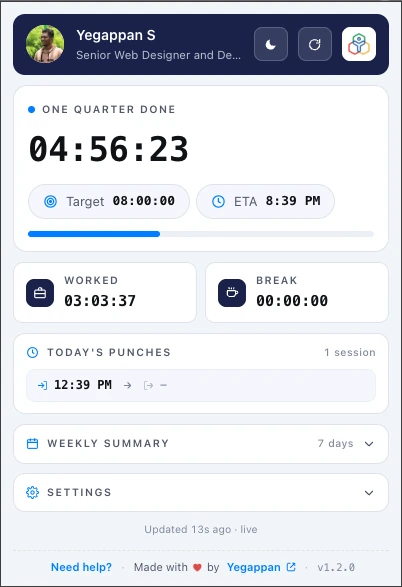
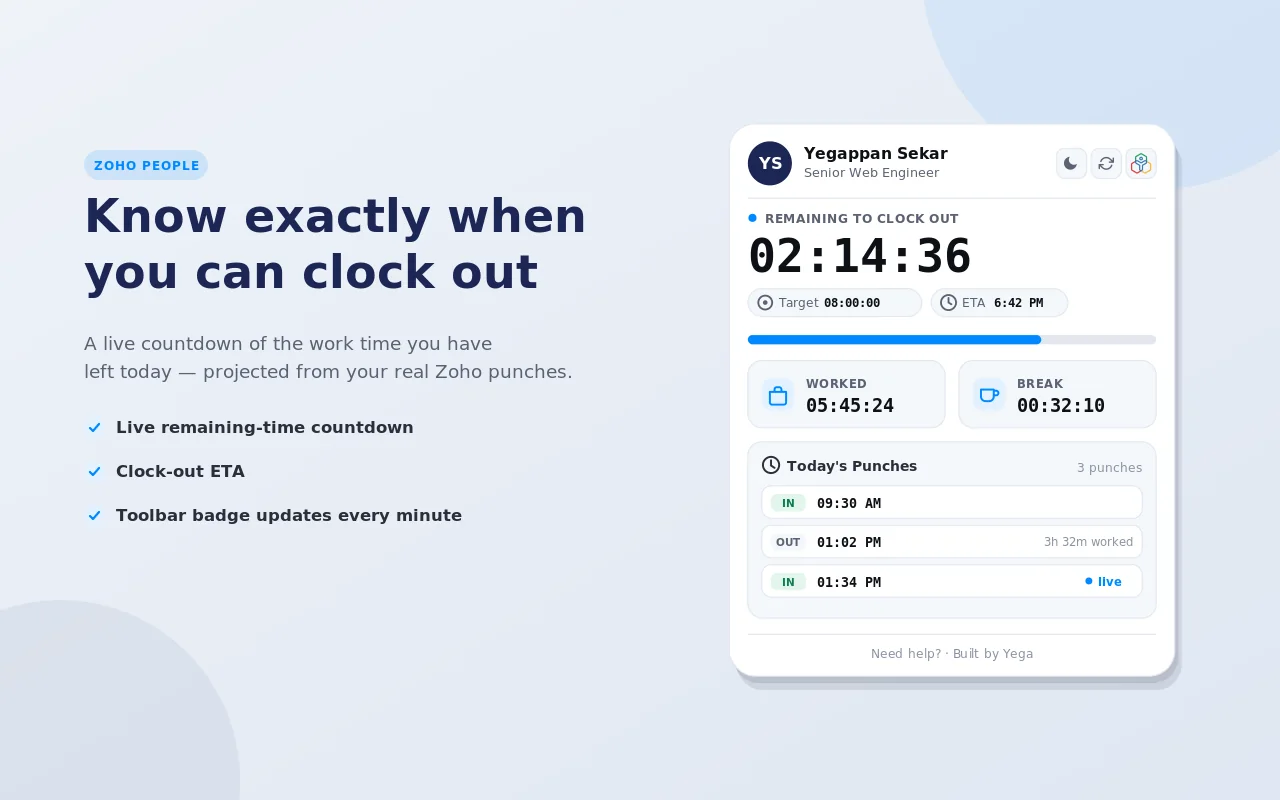
Zoho People Time Tracker popup showing 04:56:23 left today, an 8-hour target, a clock-out time of 8:39 PM, hours worked, break time and today's punches
The popup: time left today, your clock-out time, and today's punches.
Zoho People Time Tracker popup beside the line "Know exactly when you can clock out"
A live countdown based on your real Zoho People punches.
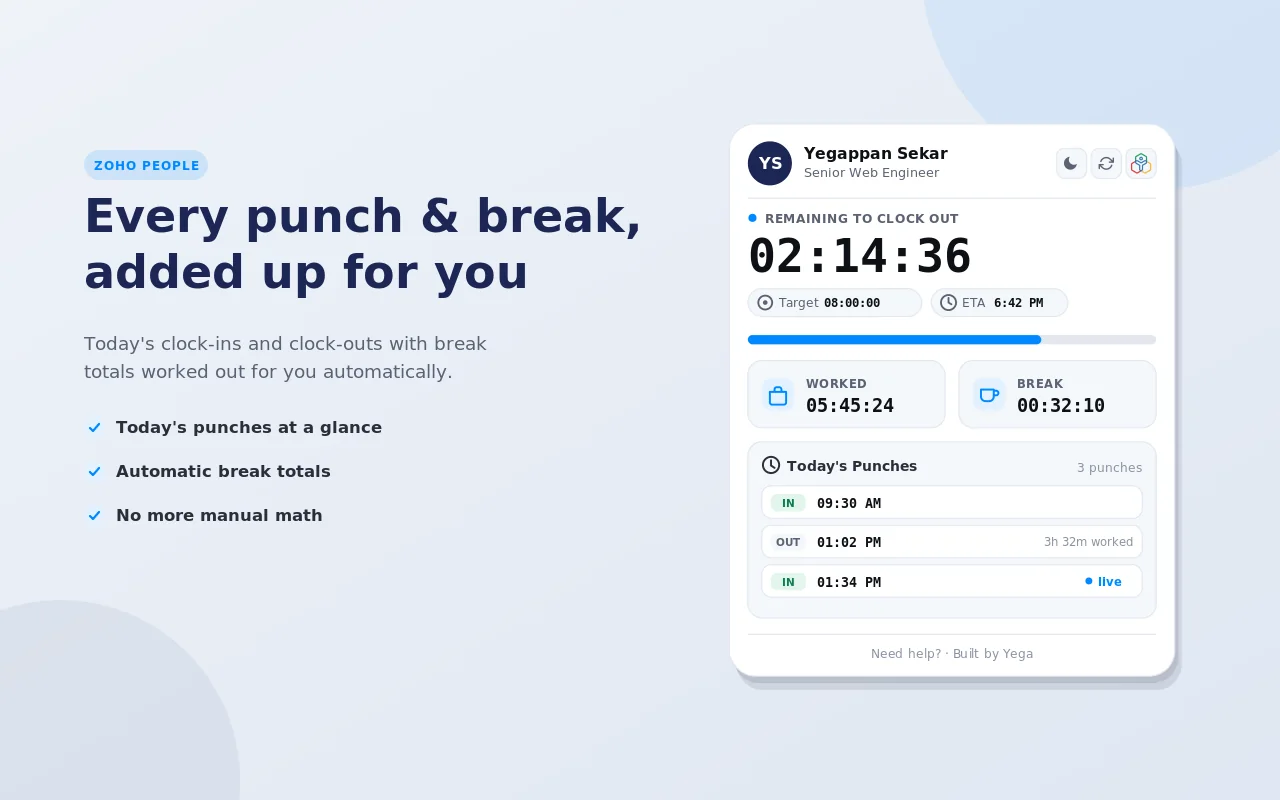
Zoho People Time Tracker popup listing today's punches with worked and break totals
Every punch and break is added up for you.
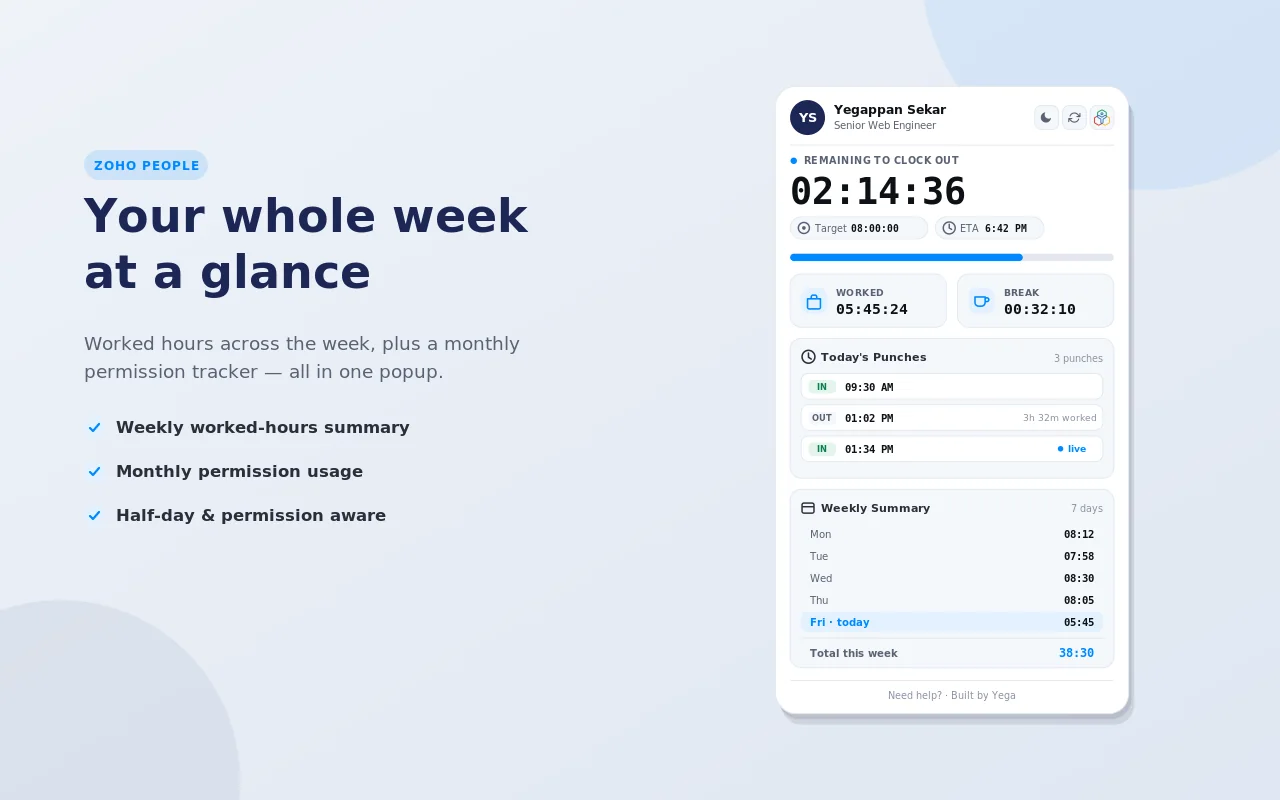
Zoho People Time Tracker popup with the weekly summary open
The weekly summary shows worked hours for each day.
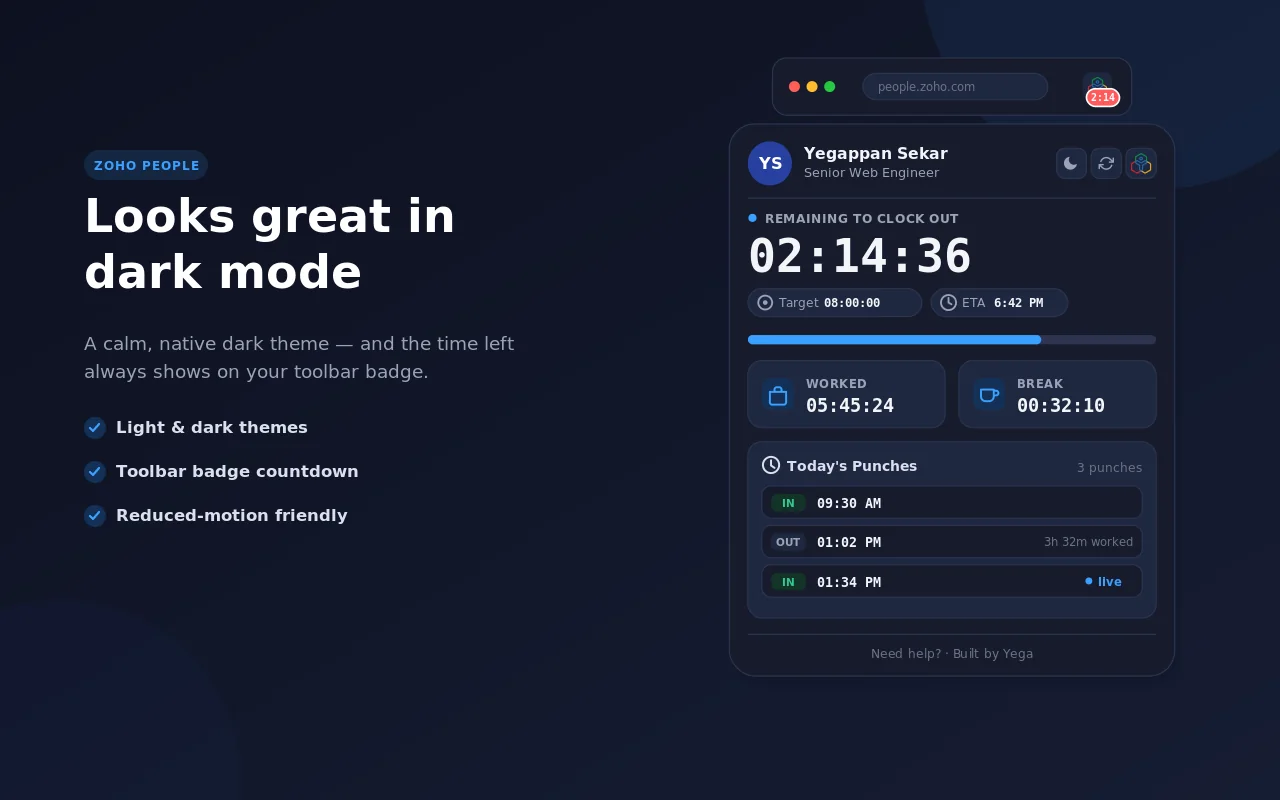
Zoho People Time Tracker popup in dark mode
Dark mode.
Full feature set

Zoho People Time Tracker features

Live Countdown Display

Shows remaining work time in H:MM format, updated every minute.

Configurable Shift Length

Set your shift start time and total hours — works for any shift pattern.

Overlay on Zoho People

Appears directly on the Zoho People web app — no tab switching.

End-of-Day Alert

Optional browser notification when your remaining time reaches zero.

Dark Mode Support

Adapts to Zoho People’s light and dark themes.

No External Data

Reads only your local config. No Zoho account access, no data sent anywhere.

How it stacks up

Zoho People Time Tracker vs. the alternatives

FeatureZoho People Time TrackerMental CalculationZoho People Built-in
Always visible on screenYes——
Updates automaticallyYes—Yes
No mental mathYes—Yes
End-of-day notificationYes——
FreeYesYesYes
Got questions?

Zoho People Time Tracker FAQ

Does it access my Zoho account?
No. The extension only reads your locally configured shift settings and displays a countdown. No Zoho API access.
Can I set a custom shift length?
Yes. Configure your start time and total shift hours in the extension settings.
How do I see my remaining work hours in Zoho People?
Install Zoho People Time Tracker and open Zoho People. A countdown on the page shows the hours and minutes left in your workday.
Does it work if I take a break or pause?
The current version counts wall-clock time from your shift start. Manual pause is planned for a future update.
What happens when the countdown reaches zero?
The display shows 0:00 and (if enabled) sends a browser notification. It does not auto-log you out of Zoho.

Know when your Zoho People workday ends

Zoho People Time Tracker shows your remaining hours and your clock-out time in one click.

  • 100% free
  • 4.9 rating
  • 350+ users
  • No signup needed

Zoho People Time Tracker is an independent browser extension built by an individual developer. It is not affiliated with, endorsed by, or sponsored by Zoho Corporation Pvt. Ltd. “Zoho” and “Zoho People” are trademarks of Zoho Corporation Pvt. Ltd., referenced only to describe the platform this extension enhances.